CD/DVD/BD WRITING
CD/DVD/BD writing and labelling software.
For frequently asked questions on CD/DVD Writing see my FAQ page.
INFORMATION
When you purchase any CD/DVD writing software its always advisable to visit the software publishers website to get the latest update/version of their software.
 |
|||
|
|||
|
|||
|
|
|
||
|
|||
|
|||
|
|||
|
|
Ahead
Nero Free and Trial versions are
strictly for personal, non-business use. |
||
|
|
|
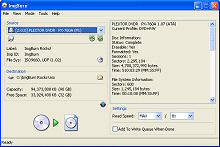
ImgBurn
ImgBurn supports a wide range of image file formats - including BIN, CUE, DI, DVD, GI, IMG, ISO, MDS, NRG and PDI. It's a very flexible application with
several advanced features that are often lacking in
other tools, especially when it comes to burning DVD
Video discs. It supports all the latest drives without
the need for updates (including booktype / bitsetting /
advanced settings on many of the major ones - i.e. BenQ,
LiteOn, LG, NEC, Plextor, Samsung, Sony)
|
|
|
|
|
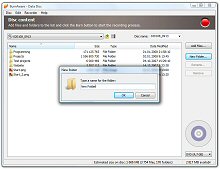
BurnAware
|
|
|
|
|
Burn4Free
The drives supported include dual-layer DVD, CD-R, CD-RW, DVD-R, DVD+R, DVD-RW, DVD+RW, and DVD-RAM (SCSI, IDE, EIDE, and USB 1.0 and 2.0).
|
|
|
|
|
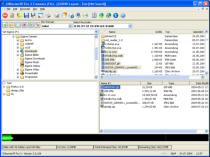
CDBurnerXP Pro
Writes all kind of mediums apart from double-layer DVD (follows in next version). Burning video-DVDs is limited. Burn audio-CDs with & without gaps |
|
|
Windows 2000 or Later |
|
DVD Flick
|
|
|
|
|||
|
|||
|
|||
|
|||
|
All Versions of Windows Supported |
|
Optical Media Emulation
Supports all common image formats such as ISO, BIN, CCD.
|
|
|
|
|
DAEMON Optical Media Emulation
|
|
|
|||
|
|||
|
|||
|
All Versions of Windows Supported |
|
ISO Buster
IsoBuster is a highly specialized yet easy to use CD and DVD data recovery tool. It supports all CD and DVD formats. IsoBuster is must-have-software for every PC user and is deliberately kept low priced to be able to offer a solution for everybody, even if it is much used in the professional optical and data forensics world
|
|
|
Windows 2000 or Later |
|
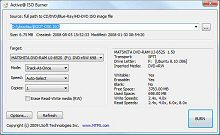
Active
|
|
|
Windows 2000 or Later |
|
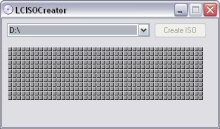
LC ISO
|
|
|
|||
|
|||
|
|||
|
Windows 2000 or Later |
|
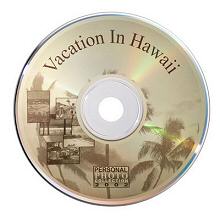
LightScribe
LightScribe is an innovative technology that uses a special disc drive and media to burn labels directly onto CDs and DVDs. Because the labels are laser-etched—not
printed—there's no ink, no smudging, and no peeling. All
LightScribe label designs appear as grayscale images.
|
|
|
Windows XP and below |
|
ExPressIt SE
ExPressit SE is a Java based application, and requires the Sun Java Virtual Machine (JVM / JRE), which is available as a free download, simply click here to go to my 'PlugIns & AddOns' section where a link to the Java download is listed.
|
|
|
Windows 2000 or Later |
|
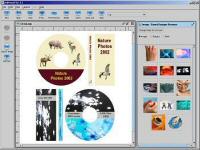
Undercover
|
|
|
Listed prices are correct at date of publication but are subject to availability or change without notice  WARNING Click here to report a broken or incorrect link All images and trademarks remain the property of their respective owners E&OE |
|||

 Ahead
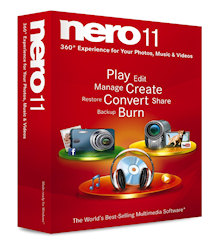
Ahead The Nero 11 Multimedia Suite features
an abundance of software for creating great looking
multimedia projects. Features such as Nero Kwik Media
manages photos, music and videos and provides the option
to create slideshows and photographic products. Nero
Video 11 allows you to work on your videos while Nero
SoundTrax and Nero WaveEditor ensures projects can be
edited and embellished as required for a professional
finish. Nero Recode 11 converts and optimises video
files for playback on tablets, smartphones and other
devices. Nero Burning ROM 11, Nero Express and Nero
CoverDesigner ensure that you can burn your masterpieces
onto CD, DVD and Blu-ray discs.
The Nero 11 Multimedia Suite features
an abundance of software for creating great looking
multimedia projects. Features such as Nero Kwik Media
manages photos, music and videos and provides the option
to create slideshows and photographic products. Nero
Video 11 allows you to work on your videos while Nero
SoundTrax and Nero WaveEditor ensures projects can be
edited and embellished as required for a professional
finish. Nero Recode 11 converts and optimises video
files for playback on tablets, smartphones and other
devices. Nero Burning ROM 11, Nero Express and Nero
CoverDesigner ensure that you can burn your masterpieces
onto CD, DVD and Blu-ray discs.

![Nero Lite]](images/ahead-nerolite.jpg)