PDF APPLICATIONS
PDF stands for 'Portable Document Format' which is a universal file format that preserves the fonts, images, graphics, and layout of any source document, regardless of the application and platform used to create it. Adobe PDF files are compact and complete, and can be shared, viewed, and printed by anyone with free Adobe Reader software
INFORMATION
OEM software is generally for system builders/upgraders, and is often provided unboxed
|
|
(Version 11.0)
|
|
 |
||
|
||
|
||
|
|
|
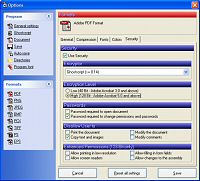
PDF Creator
Make sure you download the 'Windows installer' version of the file (.msi)
|
|
|
|
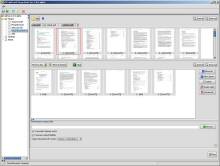
PDFsam
|
|
|
|
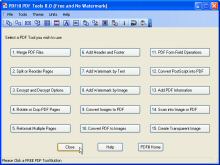
PDFill
|
|
Listed prices are correct at date of publication but are subject to availability or change without notice  WARNING Click here to report a broken or incorrect link All images and trademarks remain the property of their respective owners E&OE |
||


 Adobe
Adobe Adobe Reader software is the global standard for electronic document sharing.
It is the only PDF file viewer that can open and interact with all PDF documents.
Use Adobe Reader to view, search, digitally sign, verify, print, and collaborate on Adobe PDF files.
Adobe Reader software is the global standard for electronic document sharing.
It is the only PDF file viewer that can open and interact with all PDF documents.
Use Adobe Reader to view, search, digitally sign, verify, print, and collaborate on Adobe PDF files.